Why Running a Business Feels Harder Now (And What You Can Do About It)
17 Jul, 2025
5 Mins Read


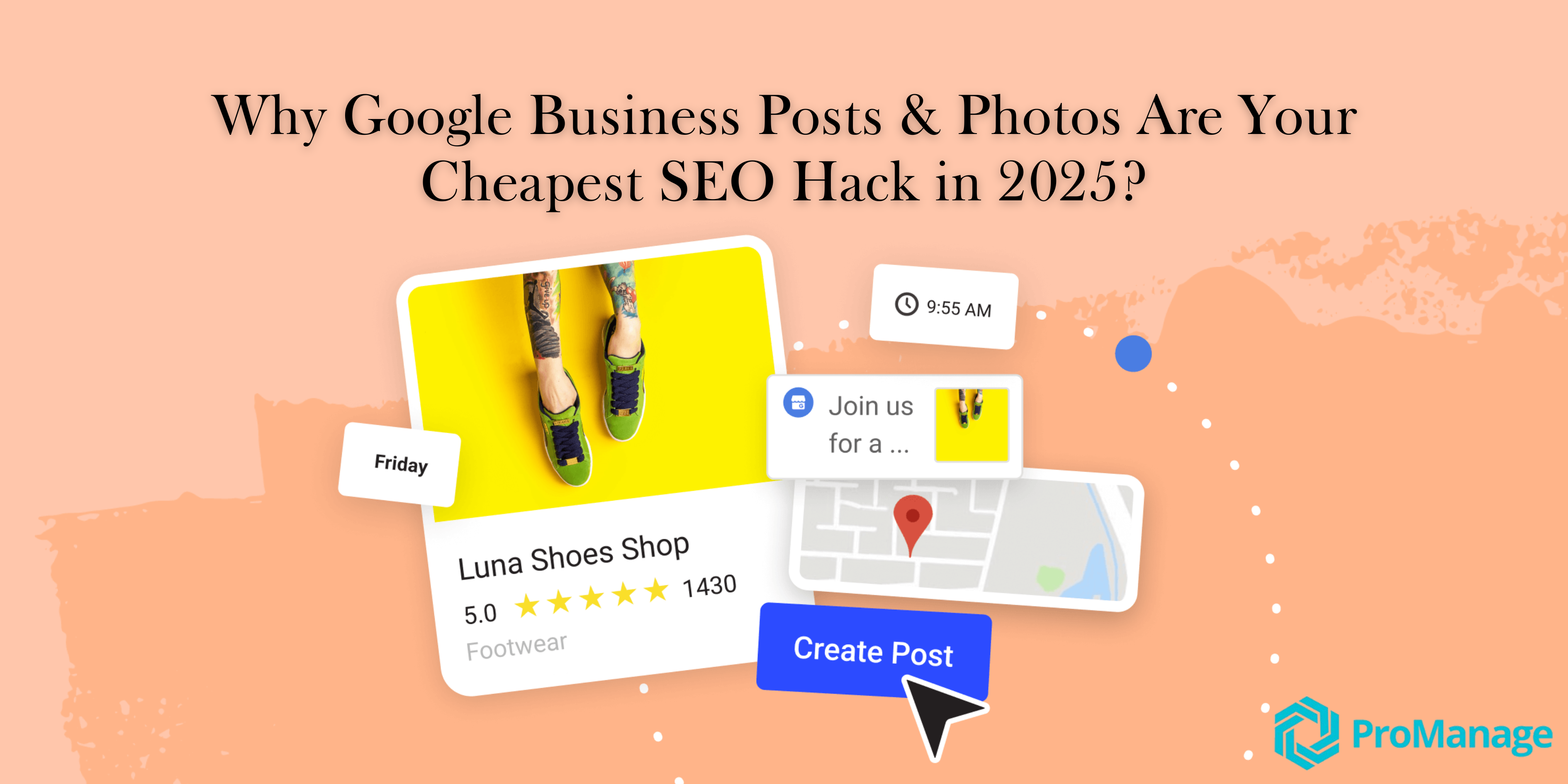
You don’t get to choose when someone discovers your business. It could be during a late-night search. A casual scroll. A quick glance on Maps before they decide where to go. But you do get to choose what they find when they land on your profile.
If your Google listing looks recent, real, and responsive you earn their attention. If it feels cold, dated, or forgotten you lose them before they ever reach out.
Your storefront may be spotless. Your team may be world-class. But if your online presence doesn’t reflect that, it won't matter.
That’s why maintaining your Google profile with updated photos, weekly posts, and timely replies isn’t a digital marketing task. It’s basic business hygiene.
A strong business profile doesn’t just have any photos. It has the right ones. Pictures or posts that answer real questions. Images that reassure, inform, and build quiet confidence.
Let’s say a potential customer finds your profile. They want to book a blood test, schedule a hair spa, or walk into a general store. Their eyes go straight to your photo grid. They’re not looking for perfection. They’re looking for proof.
They want to know if your place is clean, if it’s open, if it has the service area they expect. They want to see the reception desk. The storefront. The shelves. The people who run the business. If the only photo they find is a blurry signboard from 2019, they move on even if your ratings are five-star.
But what most business owners don’t realise is that Google is also watching. Google doesn’t just rank businesses based on proximity and reviews. It looks at visual freshness too.
According to Google’s own support content on improving local ranking, adding “accurate and relevant photos” improves your profile’s performance in both Google Maps and Google Search.
In competitive categories like clinics, salons, pharmacies, and cafés, listings that update their photos frequently often rank higher than those that don’t. That’s not guesswork. It’s how Google rewards businesses that showcase that they’re open and alive.
People make decisions faster when they feel comfortable, and your photo grid is the first layer of comfort they experience. Start with the essentials:
If your business offers products, show your shelves. If you offer experiences, show the environment.
A parent searching for a pediatric clinic might be scanning for cleanliness. A person booking a facial may be checking for ambience. A first-time visitor wants to see proof that someone like them has already been there and had a good experience.
Media of any kind helps Google show your business to more people. Photos with metadata, geo-tags, or that match your category keywords can improve relevance in Google Maps and Google Search. The more active your media section, the stronger your Google listing authority becomes over time.
Posting is no longer for social media. Instagram for brand vibes. Facebook for engagement. Maybe LinkedIn for announcements. But here’s what they miss: your most important platform might be Google itself.
Your Google Business Profile is not just a static listing. It’s a dynamic feed. And Google rewards businesses that treat it that way.
In local SEO, Google considers recency of updates as a ranking factor. If your competitor posts weekly and you haven’t touched your profile in a month, your profile slowly becomes less relevant, even if your reviews are strong.
Think of it this way: when someone searches for your category, Google has to choose between multiple listings. The ones that look alive with new photos, responsive reviews, updated hours, and recent posts earn more trust from the algorithm.
So, this isn’t just about looking good. It’s part of how Google decides who shows up first and who disappears below the fold.
The idea of “posting weekly” might sound like a marketing task, but it’s much simpler than that. It only feels like pressure when you're trying to create content that goes viral. Instead, think of it as your token to Google that keeps your business visible.
Now that we’re clear on why posting weekly matters, the next question is simple: what should you post?
Example: “Now open on Sundays for consultations” or “20% off lab tests this month”
Example: “Flu season is here, book your vaccine now” or “Skincare alert: don’t skip SPF this summer”
A shot of your team, your workspace, or even prepping for an event
Turn a common customer question into a visual post with a clear answer
Highlight a real experience that reinforces trust
"We just crossed 100 five-star reviews. Thank you for the trust!”
Posting regularly matters more than posting something “brilliant.” One post every week signals that your business is alive. One post every month tells Google you're slipping. And no posts for a while? That begins to harm your local ranking especially if your competitors are posting consistently.
Even a simple update with one liner text and image is better than nothing. Because in Google's world, recency equals relevancy.
For most small business owners, the hardest part about posting is not the intention, it’s the effort. You know you should update your profile. You know consistency matters. But after handling a long day’s work, posting becomes tomorrow’s task. Again.
That’s why ProManage AI and ProManage Social exist. They’re not another platform to learn. They’re quiet, built-in support systems that help you stay consistent even when your calendar is chaotic. Here's how it works:
ProManage AI scans what’s happening in your industry, your location, and your review trends. Based on that, it offers:
With one click, you can approve, tweak, or post.
Snapped a quick picture of your shopfront or waiting area? Upload it, and ProManage AI will generate a caption that aligns with your tone, your audience, and current SEO best practices.
Once you approve your weekly post, ProManage Social pushes it to your Google Business Profile, Facebook, Instagram, and any other connected platforms. Your voice stays unified. Your brand stays active. Your customers stay engaged.
Ask yourself:
If not, start here:
Your online presence should reflect how your business runs offline: with care, consistency, and professionalism.
Delivering Digital Growth at Scale, for Your Business.

.png)